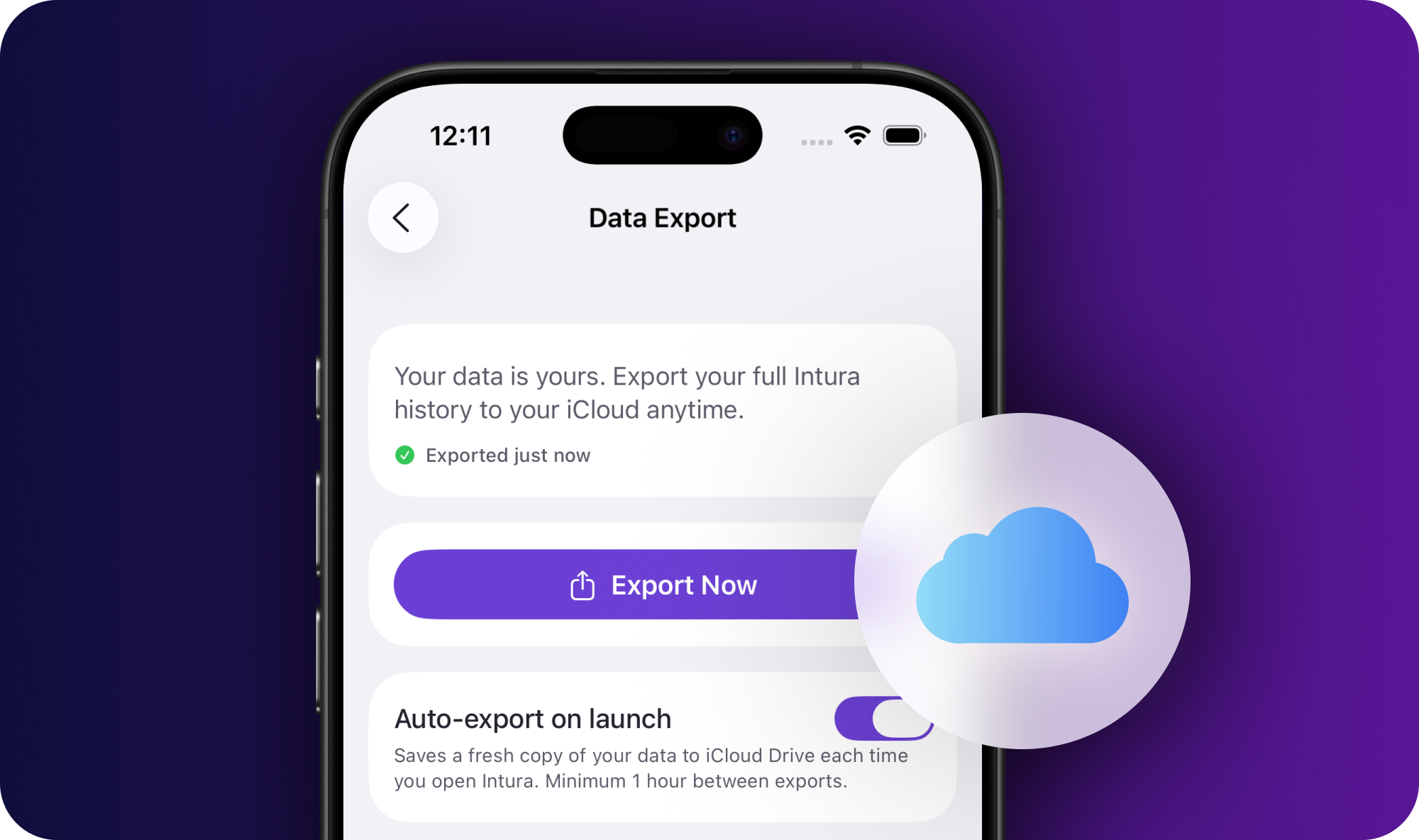
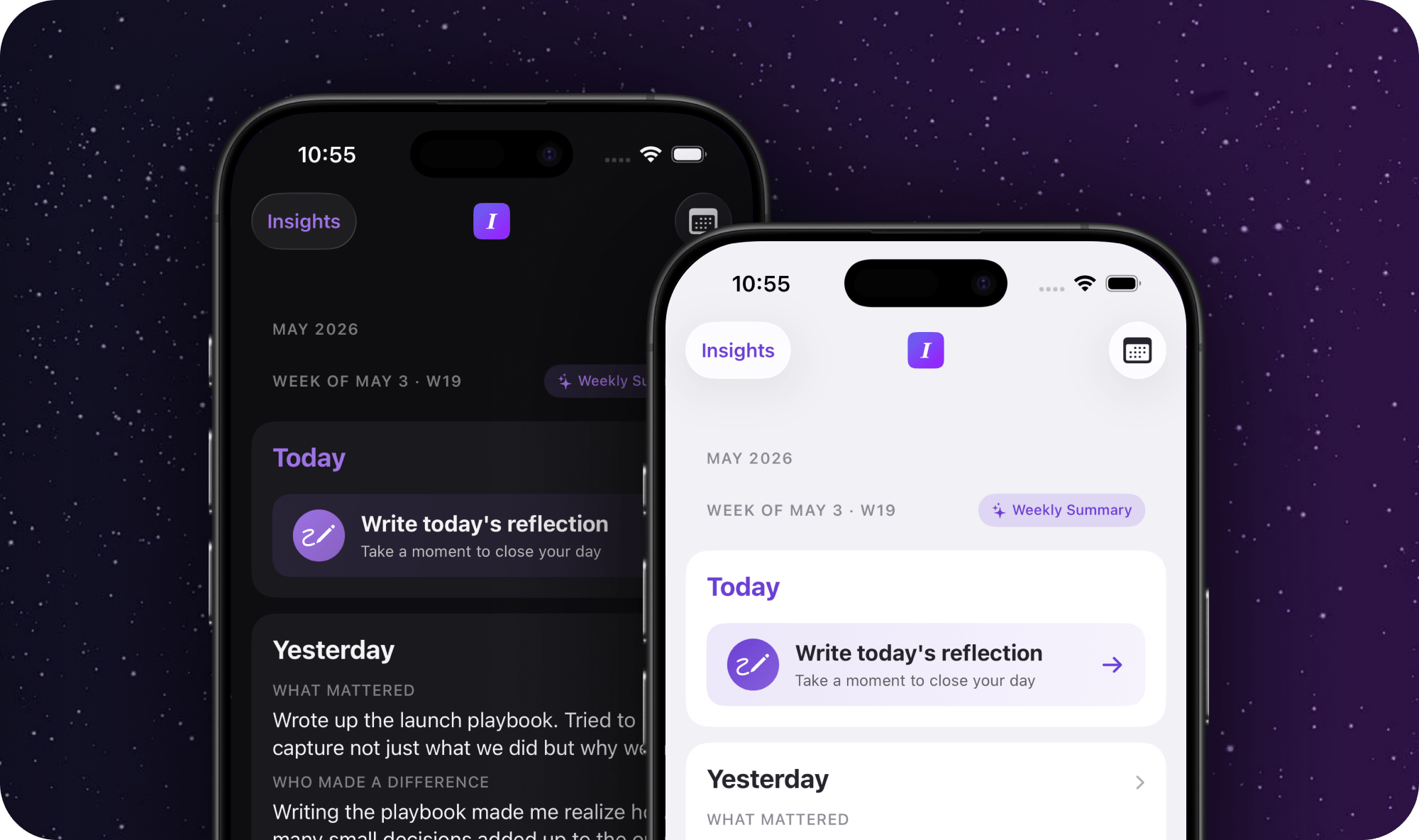
A lot of you already lean on an AI to help manage your work. Planning the week, thinking through a decision, prepping for a conversation. This release lets Intura feed straight into that.
Here is how I use it. Before my Monday 1:1 with my boss, I open Claude. It reads the week out of my Intura export and hands me a clean set of updates and talking points, so I walk in already knowing what I want to say. The AI did not notice my week. Intura did, one reflection at a time, and the export just lets that work flow into the assistant I already use.
That is the idea. Intura is the layer that captures how the work is actually going: what mattered, what is still open, who you are spending your energy on. Your AI is good at a lot, but it does not know any of that until something tells it. Now Intura can.
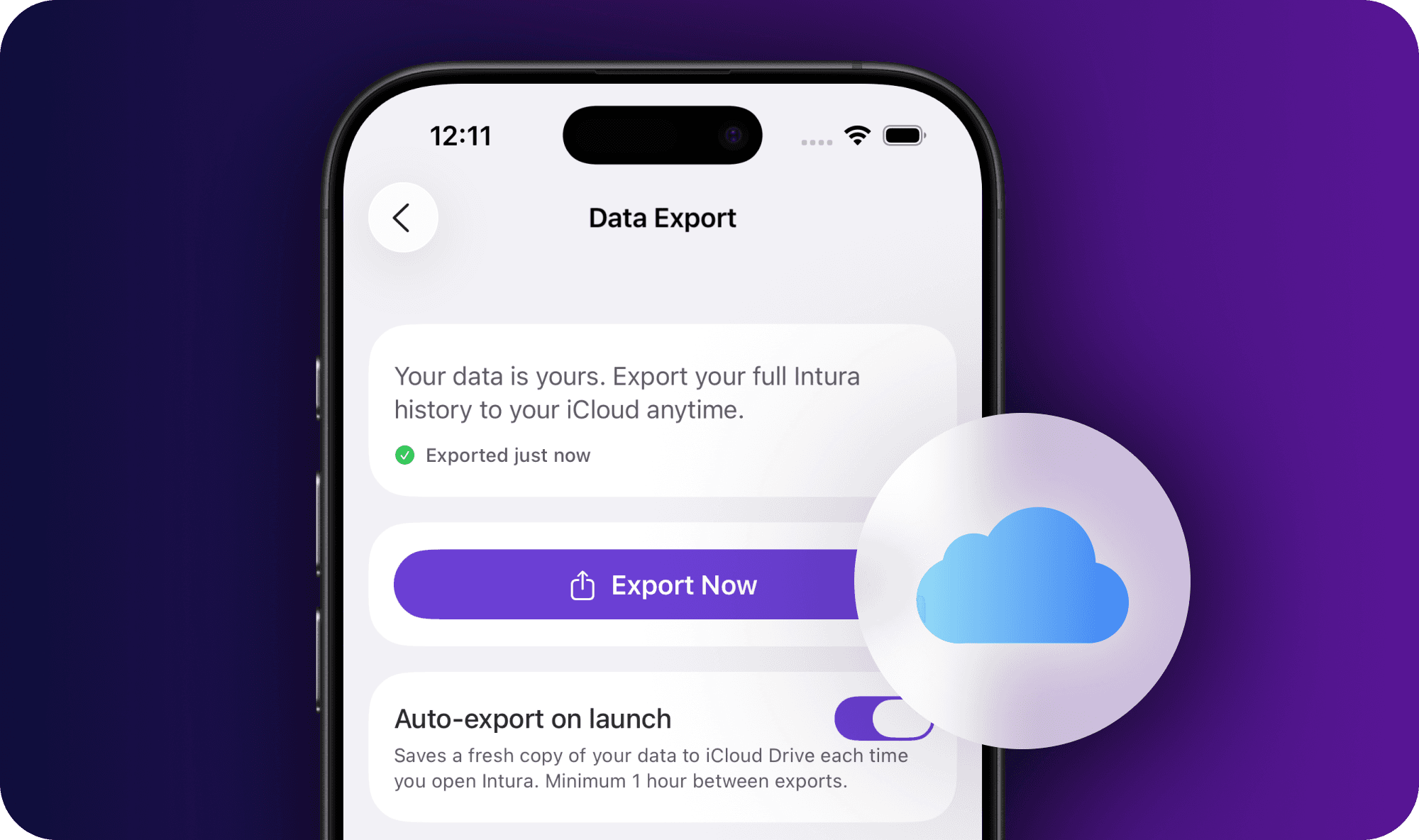
Three files, sitting in your iCloud
Flip on Auto-export in Settings and Intura writes your full history to iCloud Drive, then keeps it current as you reflect and as new summaries roll in. Nothing leaves your device until you turn it on. You get a human-readable Markdown copy, the same data in structured JSON, and a README.
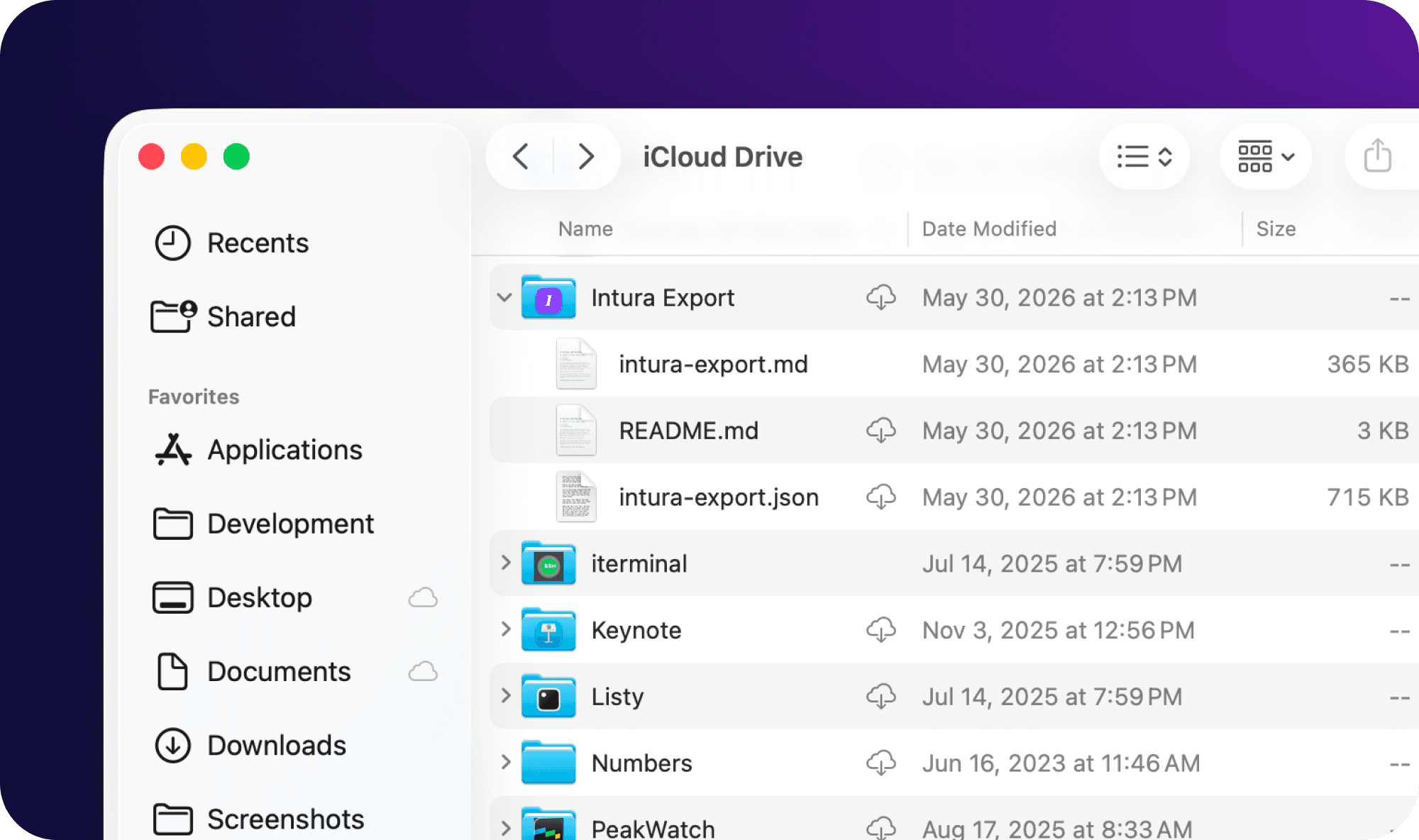
The folder explains itself
That README is the trick. It tells your AI who you are, what each file holds, and how to read the rest, so the assistant gets useful on the first try instead of guessing.
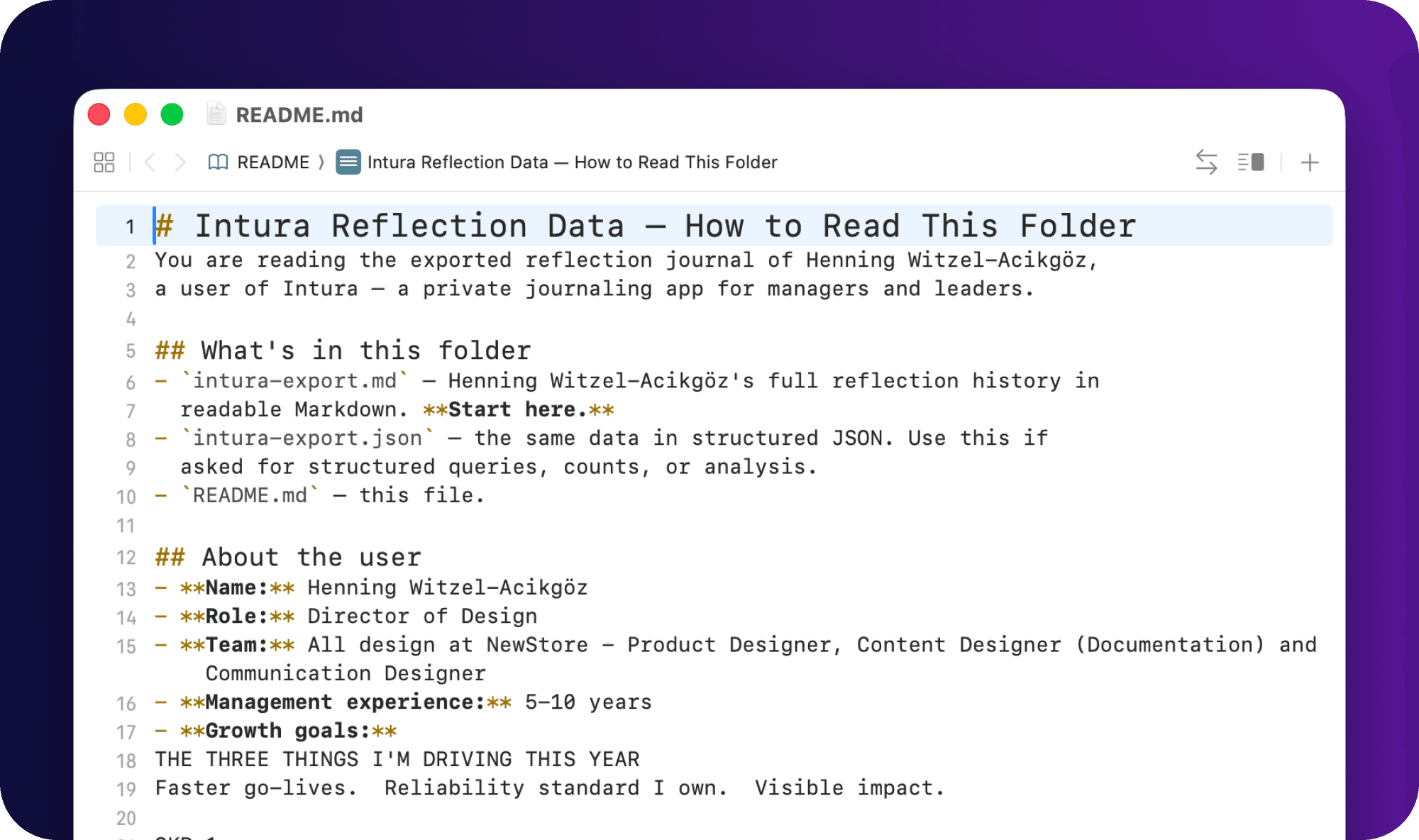
So point Claude, ChatGPT, or whatever you work with at the folder and ask it real questions. "What should I raise in my 1:1?" "What patterns am I missing this quarter?" "Draft talking points from the last month." The richer your Intura history, the more there is to work with, which is the whole point.
Most people will not need any of this, and that is fine. The built-in coach already does the job. But if AI is already part of how you work, the door is now open.
Also in this release
- Reflections save the instant you tap. Sync moved to the background, so your completion moment shows up right away instead of waiting on iCloud.
- Weekly summaries no longer turn up blank. Fixed a timing bug that could leave you staring at an empty screen.
- Writing to your coach while offline now reads "Saved locally, sync pending" with a Sync button, instead of a worrying "Save failed." Your words were always safe.
- Steadier iCloud sync all around, especially during long sessions and with longer entries.
Set up your own Monday ritual, then tell me what your AI surfaced. Hit Settings → Submit Feedback and let me know.