Last month I watched a manager friend open Day One, stare at the blank page for about ten seconds, then close the app and go back to Slack. She'd been doing that for three weeks. "I know I should journal," she said. "I just never know what to write."
That moment stuck with me because I'd lived it myself. Research by Klein and Boals, published in the British Journal of Health Psychology (2001), found that expressive writing improves working memory and cognitive function, freeing up mental bandwidth. The problem was never motivation. It was the app. Most journaling apps are built for personal use, and they expect you to show up with something to say. Managing people generates plenty worth reflecting on, but you need the right questions, not an empty page.
I spent the last year building Intura specifically for this problem. But I also use other apps, and I respect what they do well. Here's an honest look at what's out there for people managers in 2026.
What actually matters for managers
Most journaling apps are built for life logging, emotional processing, creative writing. Fine for personal use. Not optimized for tracking team dynamics, recurring blockers, decision context, or 1:1 preparation.
Here's what I think matters most:
- Prompts that relate to managing people. Not gratitude journals. Not "how do you feel today?" Questions about your team, your decisions, your week.
- Low friction. If it takes more than a couple of minutes, you won't do it tomorrow. Or the day after.
- AI that knows your context. Generic AI summaries are noise. The useful kind reads what you actually wrote and connects the dots you missed.
- Privacy you can verify. Managers write about team members and performance issues. Where those entries go matters. On-device and personal iCloud is private. Developer servers are not, even when encrypted.
- Native iOS. Web apps and cross-platform wrappers work, but they're slower to open and feel less like a daily habit.
Comparison
| App | Built for managers | AI coaching | Privacy | Price | Platform |
|---|---|---|---|---|---|
| Intura | Yes, with manager-specific daily prompts | Weekly AI summary + coaching grounded in your entries | On-device + personal iCloud; AI processes without storing | Free / $10/month | iOS native |
| Day One | No, general personal journaling | None | iCloud + Day One servers (encrypted) | Free / $3.99/month | iOS, macOS, Android, Web |
| Notion | No, general productivity and notes | Notion AI (generic, not journal-specific) | Notion servers | Free / $10/month | All platforms |
| Bear | No, a markdown note-taking app | None | iCloud sync | Free / $2.99/month | iOS, macOS |
| Apple Notes | No | None | iCloud (personal) | Free | iOS, macOS |
Intura
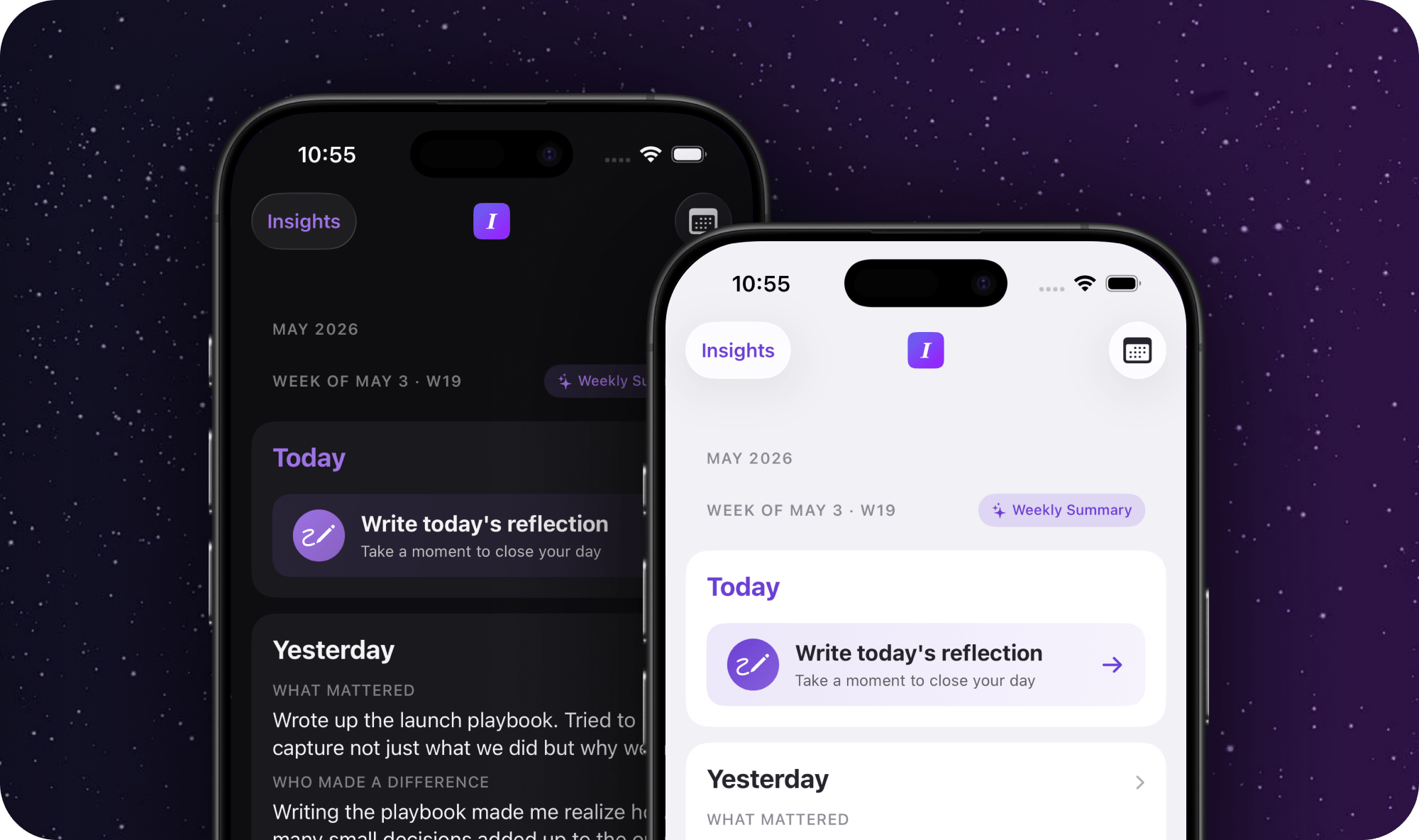
This is the one I built, so take my opinion with the appropriate grain of salt. Intura is the only app here designed specifically for people managers. You open it, answer a few prompts about your day, and you're done. The AI coach generates a weekly summary from your entries, not generic leadership advice, but observations about patterns in what you actually wrote.
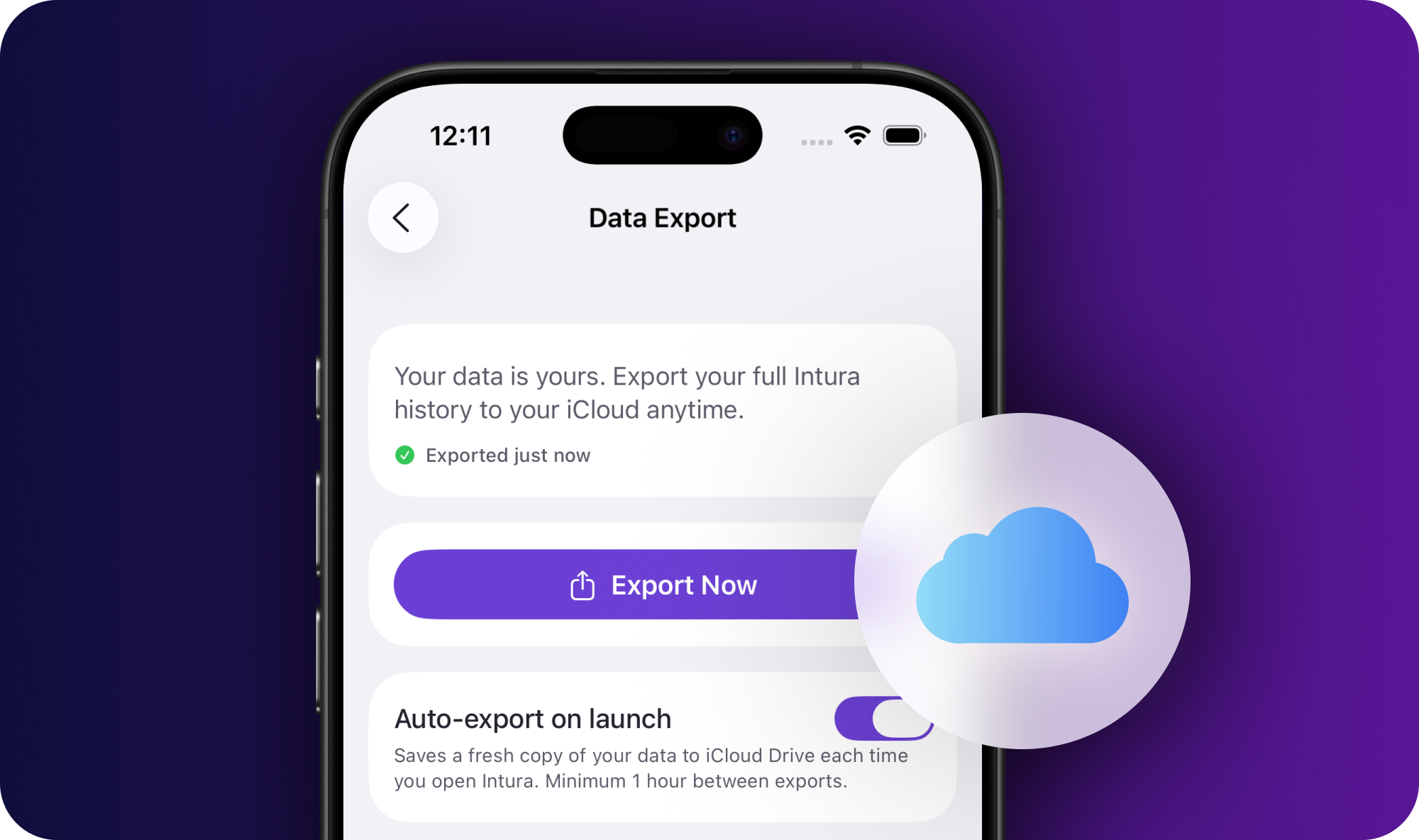
Privacy was non-negotiable for me. Entries never leave your device or personal iCloud. When the AI processes your writing to generate insights, the text isn't retained. If you're writing about someone on your team, that matters.
It's free to try for 14 days, no credit card. The paid plan unlocks the AI coaching.
Day One
Day One is genuinely the best personal journaling app I've used. Rich media, location tagging, beautiful templates, polished cross-platform experience. For personal life logging, travel, and family moments, nothing comes close.
It's not built for work. No prompts about your team, no AI that understands leadership patterns. I know managers who use Day One alongside Intura: personal life in Day One, professional reflection in Intura. That split actually works well.
Notion
Notion can become a journaling system if you're willing to build it yourself. Templates, databases, linked documents. It handles anything. The problem is friction. Setup takes real time, and daily habit formation gets harder when the tool requires ongoing maintenance.
Notion AI is there, but it's generic. It can summarize text. It doesn't understand your management context or your team dynamics.
Bear and Apple Notes
Both work if you bring your own structure. Bear has better organization. Apple Notes has zero friction. Neither has manager-specific prompts or AI features. They're blank pages with sync, which is fine if you already know exactly what you want to write every day. Most people don't.
My friend from the opening, the one staring at Day One's blank page? She's been using Intura for about six weeks now. She told me the prompts are what made the difference. Not the AI, not the privacy model. Just having something to answer instead of something to fill. I think that's true for most managers. The app matters less than whether it meets you where you actually are at the end of a long day.
Frequently asked questions
Do I need a journaling app built specifically for managers?
Not strictly. Some managers journal fine in Apple Notes or Notion. But purpose-built apps reduce setup friction and give you relevant prompts instead of an empty screen. If you've tried general journaling apps and stopped after a week, the problem probably wasn't willpower. It was the app not meeting you halfway.
Is data privacy a concern with journaling apps?
It should be. Managers write about their team members, performance issues, and sensitive decisions. Some apps store entries on company-accessible cloud infrastructure. Check whether your entries sync to the developer's servers or stay in your personal iCloud or on-device. Intura processes AI features without storing entry text.
What's the most important feature in a journaling app for managers?
Prompts that actually relate to your work. An empty page is the most common reason journaling habits die. If you open an app and have to decide what to write about, most days you'll close it. Prompts that ask the right questions make it sustainable.
Can I use multiple apps, one for personal journaling and one for work?
Yes, and many managers do. Day One for personal life, travel, and family. Intura for professional reflection. Keeping work and personal content in separate apps also means you never worry about mixing private thoughts with professional notes.
How do I evaluate a journaling app before committing?
Use it daily for two weeks before deciding. Habit formation takes time, and first impressions of apps are often misleading. The right question isn't 'do I like this app?' but 'does it make me more likely to reflect?' If you're still opening it after two weeks, it's working.